OCR Data Entry: From Manual Work to AI-Powered Automation
June 26, 2026
Every business relies on data, but how that data enters your systems can make the difference between efficient operations and constant bottlenecks. Whether you're processing supplier invoices, customer receipts, contracts, forms, or financial documents, manual data entry continues to consume valuable time while increasing the risk of costly mistakes.
For accounting teams managing Accounts Payable (AP) and Accounts Receivable (AR), manual typing isn't just repetitive—it slows approvals, delays payments, and creates unnecessary administrative work.
Fortunately, technology has evolved. Modern **OCR data entry** solutions now automate document processing using Artificial Intelligence (AI) and Optical Character Recognition (OCR), allowing businesses to capture information automatically with remarkable speed and accuracy.
In this guide, you'll learn how OCR for data entry works, how it compares with manual data entry, its real-world applications, common challenges, and why AI-powered platforms like Zapier Desk are helping businesses transform document processing.
What Is OCR Data Entry?
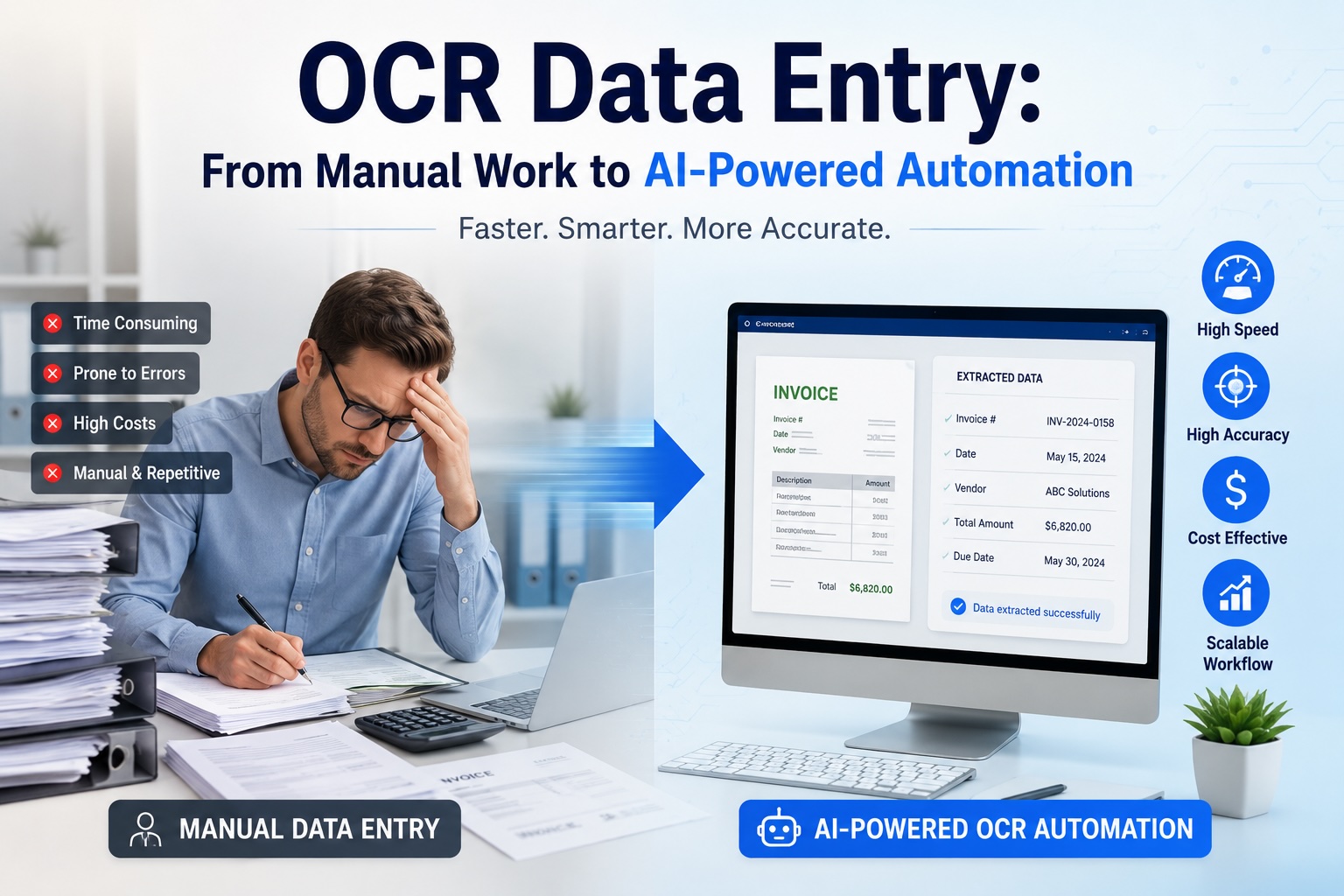
OCR data entry refers to the process of using Optical Character Recognition technology to automatically read information from documents and convert it into structured digital data.
Instead of manually typing details from invoices, receipts, contracts, or forms, OCR software scans the document, recognizes the text, extracts important fields, and transfers them directly into accounting software, ERP systems, CRMs, or databases.
For example, rather than entering:
- Vendor Name
- Invoice Number
- Invoice Date
- Due Date
- Total Amount
one field at a time, OCR for data entry automatically captures this information within seconds.
Modern OCR solutions combine Artificial Intelligence (AI), machine learning, and intelligent document processing to deliver much higher accuracy than traditional OCR systems.
Why Businesses Are Moving Away from Manual Data Entry
Manual data entry has served businesses for decades, but today's organizations process significantly higher volumes of documents than ever before.
Common challenges include:
- Repetitive administrative work
- Human typing errors
- Slow invoice approvals
- High labor costs
- Limited scalability
- Delayed reporting
For finance teams handling hundreds or thousands of documents every month, these inefficiencies quickly become expensive.
This is why organizations are increasingly investing in OCR data entry solutions.
How OCR Data Entry Works
Although different software platforms use different technologies, the workflow remains largely the same.
1. Document Capture
The process begins when a document enters the system.
Documents may arrive as:
- Paper documents
- Scanned images
- PDF files
- Email attachments
- Mobile phone photos
- Multi-page documents
Once uploaded, the system prepares the file for processing.
2. Image Enhancement
Before OCR begins reading the document, the software improves image quality.
Typical enhancements include:
- Removing background noise
- Correcting page rotation
- Increasing contrast
- Sharpening blurry text
- Straightening scanned pages
These improvements help maximize recognition accuracy.
3. OCR Reads the Text
The OCR engine analyzes the document and identifies:
- Letters
- Numbers
- Symbols
- Tables
- Paragraphs
Modern AI-powered OCR recognizes multiple fonts, languages, currencies, and even many handwritten documents.
4. AI Identifies Important Fields
Reading text alone isn't enough.
The software also needs to understand what each value represents.
For example, on an invoice it identifies:
- Supplier Name
- Invoice Number
- Invoice Date
- Purchase Order
- Tax Amount
- Total Value
AI-powered systems automatically understand document context without requiring manual templates.
5. Structured Data Export
Finally, the extracted information is transferred directly into:
- Accounting software
- ERP platforms
- CRM systems
- Databases
- Excel
- Cloud applications
The result is clean, structured data ready for immediate use.
OCR Data Entry vs Manual Data Entry
Choosing between manual typing and automated OCR often comes down to speed, accuracy, and long-term cost.
| Feature |
Manual Data Entry |
OCR Data Entry |
| Processing Speed |
Around 20–40 documents per hour |
Hundreds of documents every hour |
| Accuracy |
Susceptible to typing mistakes and fatigue |
AI-assisted extraction with very high accuracy |
| Operating Cost |
Increases with every additional document |
Lower cost per document as volume grows |
| Consistency |
Depends on individual performance |
Delivers consistent results across documents |
| Scalability |
Requires hiring more staff |
Easily scales without expanding teams |
| Implementation |
No software setup required |
Requires initial software configuration but offers long-term efficiency |
For businesses processing more than a few dozen documents each week, OCR for data entry typically delivers faster processing, greater consistency, and a much lower total cost of ownership.
Common Use Cases for OCR Data Entry
Almost every department that handles documents can benefit from OCR automation.
Invoice Processing
Accounts Payable teams use OCR data entry to automatically capture:
- Supplier names
- Invoice numbers
- Invoice dates
- Purchase orders
- Tax amounts
- Total values
Instead of entering each field manually, finance teams can review and approve invoices much faster.
Receipt & Expense Management
Employees frequently submit receipts for reimbursement.
OCR automatically extracts:
- Merchant Name
- Purchase Date
- Tax
- Expense Category
- Total Amount
This reduces reimbursement delays while improving expense tracking.
Form Processing
Organizations receive thousands of forms every year.
Examples include:
- Customer applications
- Insurance forms
- Surveys
- Registration forms
- Employee paperwork
OCR digitizes these documents automatically, eliminating manual transcription.
Healthcare Documentation
Hospitals and clinics use OCR to digitize:
- Patient records
- Clinical notes
- Lab reports
- Referral letters
This improves accessibility while reducing administrative workload.
Mailroom Automation
Organizations receiving high volumes of incoming documents can automatically classify, read, and process documents as soon as they arrive.
Instead of manually opening and reviewing every document, OCR speeds up document routing and processing.
Banking & Financial Services
Banks rely heavily on OCR for data entry when processing:
- Loan applications
- Identity documents
- Bank statements
- Checks
- Financial forms
Automation improves both speed and regulatory compliance.
Challenges of OCR Data Entry
Although OCR technology has advanced significantly, there are still situations that require attention.
Poor Image Quality
Low-resolution scans, faded documents, and poorly lit photos may reduce recognition accuracy.
Handwritten Documents
Modern AI performs much better than older OCR engines, but handwritten notes remain more challenging than printed documents.
Complex Document Layouts
Multi-column documents, nested tables, and overlapping graphics may require intelligent document understanding beyond traditional OCR.
Identifying the Right Fields
Reading text is only part of the process.
The software must also understand:
- Which number is the invoice number?
- Which date is the due date?
- Which amount is the total?
AI-powered systems perform this contextual understanding automatically.
Multiple Languages
Global businesses often process documents containing different languages, currencies, and special characters.
Choosing OCR software that supports multilingual documents is essential.
OCR Data Entry vs AI-Powered Data Extraction
Many businesses believe OCR alone solves document automation.
In reality, there's a significant difference.
Traditional OCR
Basic OCR reads text and produces raw output.
Someone still needs to:
- Find important values
- Organize data
- Copy information
- Validate fields
AI-Powered Data Extraction
AI goes much further.
It not only reads text but also understands the document structure, identifies important fields, validates information, and exports structured data automatically.
For organizations seeking complete automation, AI-powered extraction has become the preferred approach.
How Zapier Desk Automates OCR Data Entry
Businesses today need more than basic OCR—they need intelligent automation.
Zapier Desk is an AI-powered document processing platform that combines OCR, machine learning, and intelligent data extraction to automate document workflows.
Whether you're processing:
- Invoices
- Receipts
- Contracts
- Purchase Orders
- Medical Records
- Business Forms
Zapier Desk accurately extracts key information without requiring manual templates.
Why Businesses Choose Zapier Desk
- AI-powered OCR technology
- No template setup required
- Supports multiple document formats
- Processes scanned files, PDFs, images, and email attachments
- High field-level accuracy
- Secure cloud-based platform
- Easy integration with accounting software and business applications
Instead of simply reading text, Zapier Desk understands document context and delivers structured, ready-to-use data that eliminates hours of manual work.
The Future of OCR for Data Entry
Document processing is rapidly becoming more intelligent.
Emerging AI technologies will continue improving:
- Document understanding
- Handwriting recognition
- Fraud detection
- Field validation
- Workflow automation
Rather than replacing accounting professionals, these technologies allow finance teams to spend less time entering data and more time analyzing financial performance and supporting business growth.
Conclusion
Manual data entry is becoming increasingly difficult to justify in a world where businesses demand speed, accuracy, and scalability.
Modern OCR data entry solutions eliminate repetitive typing, reduce human error, accelerate document processing, and improve productivity across Accounts Payable, Accounts Receivable, bookkeeping, and financial operations.
While traditional OCR converts printed text into digital information, today's AI-powered platforms go much further by understanding document context and delivering structured data ready for immediate use.
Solutions like Zapier Desk help organizations automate document processing without complicated templates or lengthy setup, enabling finance teams to process invoices, receipts, contracts, and forms with exceptional accuracy and efficiency.
As businesses continue embracing digital transformation, investing in intelligent OCR for data entry is no longer simply about reducing manual work—it's about building faster, smarter, and more scalable financial operations.
Frequently Asked Questions (FAQs)
What is OCR data entry?
OCR data entry is the process of using Optical Character Recognition technology to automatically read information from documents and convert it into structured digital data, eliminating the need for manual typing.
How accurate is OCR for data entry?
Modern AI-powered OCR solutions can achieve over 99% accuracy for printed documents. Accuracy depends on document quality, layout, and handwriting.
What is the difference between OCR and AI-powered data extraction?
OCR converts document images into text, while AI-powered data extraction understands document context, identifies key fields, validates information, and outputs structured data ready for business systems.
What documents can OCR process?
OCR can process invoices, receipts, contracts, forms, purchase orders, bank statements, medical records, identity documents, PDFs, scanned images, and photographs.
Is OCR data entry better than manual data entry?
For most businesses, yes. OCR data entry offers faster processing, higher accuracy, lower operating costs, and greater scalability than manual data entry, especially for organizations handling medium to high document volumes.
How does Zapier Desk improve OCR data entry?
Zapier Desk combines AI, OCR, and intelligent document processing to automatically extract, organize, and validate data from business documents. It eliminates manual templates, supports multiple document types, and integrates seamlessly with accounting and business systems.
Start your free trial today!
Follow Us On: Facebook, X, Instagram and YouTube.