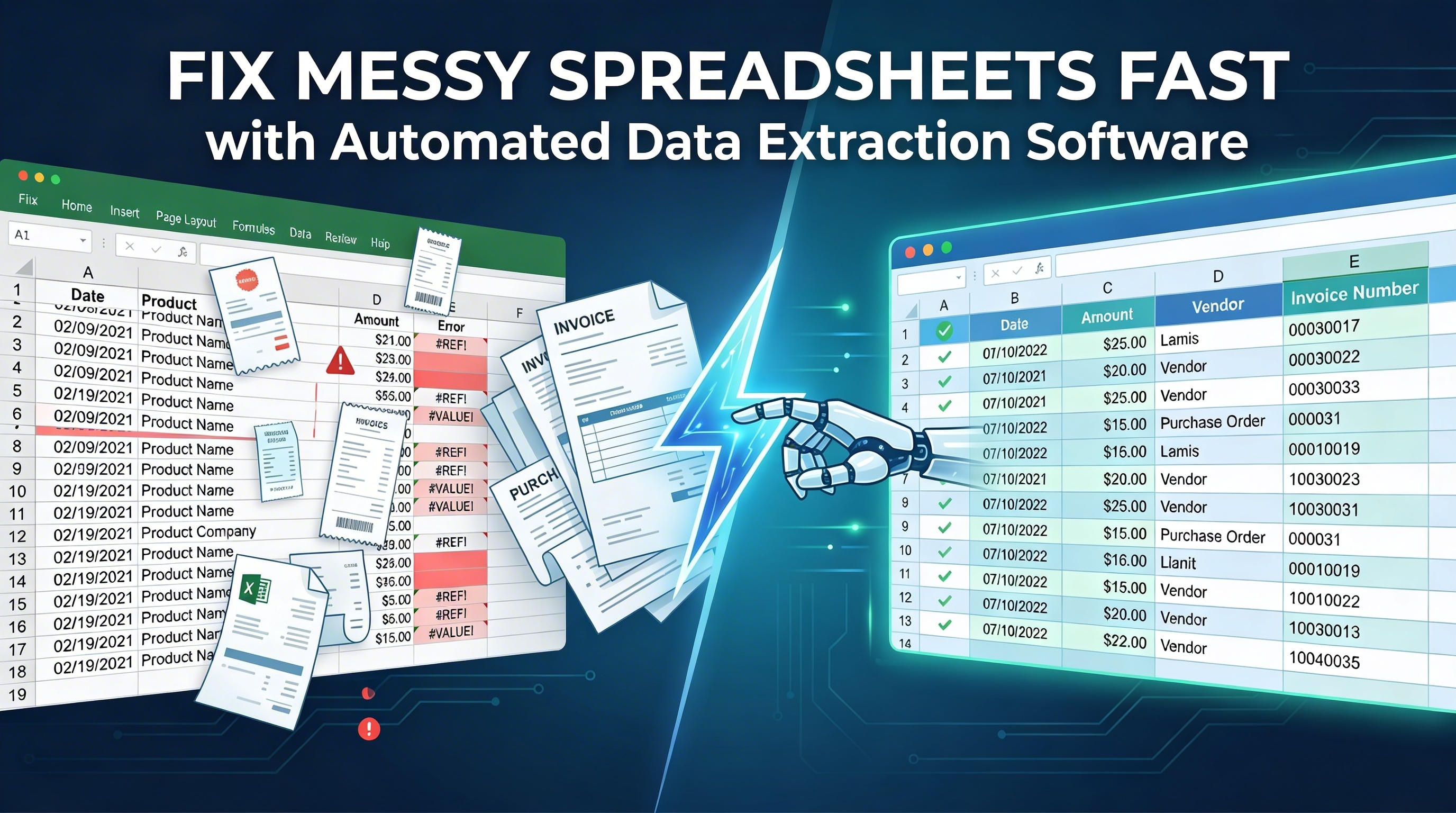
Fix Messy Spreadsheets Fast with Automated Data Extraction Software
March 31, 2026
Managing messy spreadsheets is a common challenge for businesses of all sizes. Whether you're handling invoices, receipts, contracts, or financial reports, manually organizing and entering data into spreadsheets can be time-consuming, error-prone, and frustrating. As data volumes grow, so do inefficiencies—leading to delayed decisions, inaccurate reporting, and reduced productivity.
This is where automated data extraction software becomes a game-changer. By leveraging artificial intelligence (AI) and optical character recognition (OCR), businesses can automatically extract, structure, and organize data from various documents without manual effort.
Zapier Desk offers a powerful AI-driven solution that transforms how organizations handle data, helping them eliminate messy spreadsheets and streamline workflows. In this blog, we’ll explore how automated data extraction software works, its benefits, and how Zapier Desk can help you achieve faster, more accurate data management.
What Is Automated Data Extraction Software?
Automated data extraction software is a technology that uses AI and OCR to capture data from documents and convert it into structured digital formats such as spreadsheets or accounting systems.
Instead of manually copying data from documents, the software reads and extracts key information automatically. This includes data from:
- Invoices
- Receipts
- Contracts
- Forms
- PDFs and scanned documents
- Images captured via mobile devices
The extracted data is then organized into a structured format, eliminating the need for manual data entry and reducing errors.
Why Messy Spreadsheets Are a Business Problem
Spreadsheets are essential tools, but when data is manually entered or imported from inconsistent sources, they quickly become disorganized and unreliable.
Common issues include:
- Duplicate entries
- Missing or incomplete data
- Formatting inconsistencies
- Human errors in calculations
- Time wasted on manual corrections
These problems not only slow down operations but also affect business decisions. Clean, structured data is critical for accurate reporting and efficient workflows.
How Automated Data Extraction Software Fixes Spreadsheet Chaos
1. Eliminates Manual Data Entry
One of the biggest advantages of automated data extraction software is the removal of repetitive manual work. Instead of typing data into spreadsheets, the software captures it automatically from documents.
This saves hours of work and reduces employee fatigue.
2. Converts Unstructured Data into Structured Formats
Documents often contain unstructured data. Automated tools analyze layouts, identify key fields, and convert information into structured formats suitable for spreadsheets or databases.
This ensures consistency across all data entries.
3. Improves Data Accuracy
Human errors are unavoidable in manual data entry. AI-powered extraction ensures high accuracy by consistently identifying and capturing relevant data fields.
With validation tools, errors such as duplicates or incorrect values are flagged early.
4. Speeds Up Data Processing
What used to take hours—or even days—can now be completed in minutes. Automated data extraction software processes large volumes of documents quickly, allowing businesses to keep up with growing data demands.
5. Enables Real-Time Data Access
With automated extraction, data is instantly available in digital format. This allows teams to access updated information in real time, improving decision-making and operational efficiency.
Key Benefits of Automated Data Extraction Software
Businesses adopting automation see immediate improvements across operations. Here are some of the most impactful benefits:
Save Time and Boost Productivity
- Automates repetitive tasks
- Reduces manual workload
- Allows teams to focus on strategic work
Improve Accuracy and Reduce Errors
- Eliminates manual entry mistakes
- Ensures consistent data capture
- Uses validation tools for accuracy
Work Smarter with AI
- Leverages machine learning for better results over time
- Handles complex document formats
- Provides real-time insights
Reduce Operational Costs
- Cuts labor costs associated with manual entry
- Eliminates the need for expensive EDI systems
- Improves overall efficiency
Move Towards a Paperless Workflow
- Digitizes documents instantly
- Reduces dependency on physical files
- Simplifies document management
Why Zapier Desk Is the Best Choice for Automated Data Extraction Software
Zapier Desk stands out as a leading solution designed to simplify document processing and eliminate spreadsheet chaos.
AI-Driven Data Extraction
Zapier Desk uses advanced artificial intelligence to extract data from scanned, photographed, or digital documents with exceptional accuracy.
No Template Setup Required
Unlike traditional systems, Zapier Desk does not require manual templates. It adapts to any document layout automatically, making it highly flexible and easy to use.
Handles Multiple Document Types
From invoices and receipts to contracts and forms, Zapier Desk can process a wide range of documents efficiently.
Seamless API Integration
Zapier Desk offers a powerful API that integrates easily with existing software systems. Whether you use accounting tools or custom applications, data flows seamlessly without manual intervention.
Continuous Learning with Machine Learning
The system improves over time by learning from processed documents, ensuring better accuracy and faster processing.
Real-Time Data Extraction
Zapier Desk enables real-time data capture and transfer, ensuring that your spreadsheets and systems are always up to date.
Real-World Use Cases
Accounting and Finance Teams
Automate invoice processing and reduce time spent on data entry, improving accuracy in financial reporting.
Small and Medium Businesses
Handle growing data volumes efficiently without increasing staff or operational costs.
Enterprises
Manage large-scale document processing across departments with consistency and speed.
Operations Teams
Improve workflow efficiency by automating document-based processes and eliminating bottlenecks.
Best Practices for Implementing Automated Data Extraction Software
To maximize the benefits of automation, follow these best practices:
- Digitize all incoming documents
- Integrate software with your existing tools
- Use validation rules for data accuracy
- Train your team to adopt automation
- Monitor performance and optimize workflows
The Future of Data Extraction and Automation
The future of data management lies in intelligent automation. As AI technology continues to evolve, businesses can expect:
- More accurate data extraction
- Fully automated workflows
- Predictive analytics
- Enhanced decision-making capabilities
Adopting automated data extraction software today ensures that your business stays ahead in a competitive landscape.
Conclusion
Messy spreadsheets can slow down your business, create errors, and limit growth. By adopting automated data extraction software, organizations can eliminate manual data entry, improve accuracy, and streamline operations.
Zapier Desk offers a powerful, AI-driven solution that transforms how businesses manage data. With seamless integration, real-time processing, and intelligent automation, it helps you move from chaos to clarity—fast.
If you're ready to fix messy spreadsheets and boost efficiency, Zapier Desk is the solution you need.
FAQs
What is automated data extraction software?
Automated data extraction software uses AI and OCR to extract data from documents and convert it into structured digital formats without manual entry.
How does it help with spreadsheets?
It automatically captures and organizes data, reducing errors and eliminating the need for manual input in spreadsheets.
Is automated data extraction software accurate?
Yes, modern AI-powered tools provide high accuracy and improve over time through machine learning.
Can it handle different document formats?
Yes, advanced solutions like Zapier Desk can process various document types without requiring templates.
Is it suitable for small businesses?
Absolutely. It helps small businesses save time, reduce costs, and improve efficiency without needing additional staff.
Start your free trial today!
Follow Us On: Facebook, X, Instagram and YouTube.