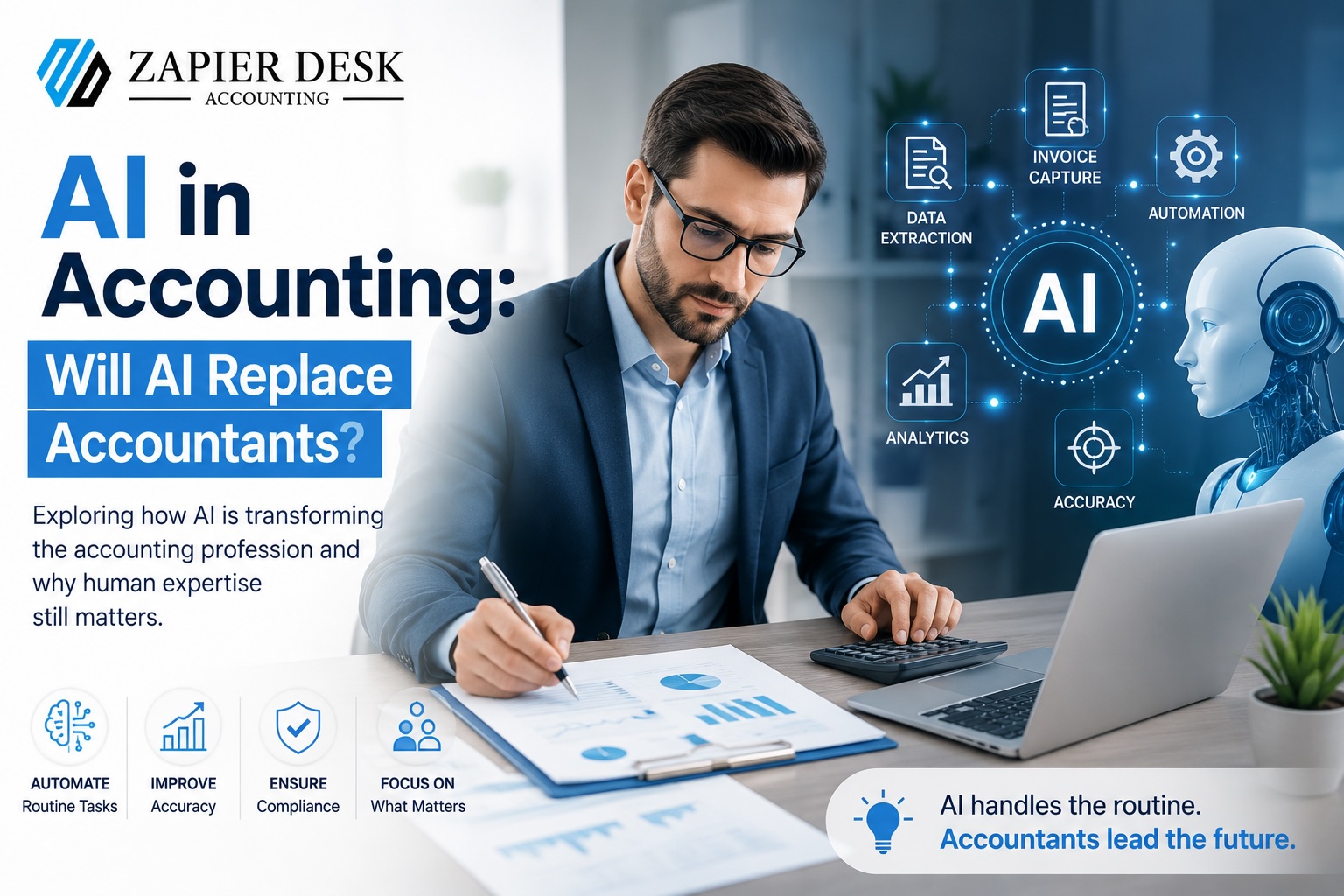
AI in Accounting: Will AI Replace Accountants?
August 20, 2026
Artificial intelligence is no longer something businesses can treat as a distant technology trend. It is already changing how financial information is captured, processed, reviewed, and managed.
From automatically extracting information from invoices to categorising transactions and identifying unusual financial activity, AI in accounting is taking over many repetitive tasks that once required hours of manual work.
That naturally raises an uncomfortable question for accountants and finance professionals:
Will AI replace accountants?
The short answer is no—not completely.
AI is likely to change the accounting profession significantly, but replacing an entire profession is very different from automating individual tasks. Accounting requires much more than entering numbers into a system. It involves professional judgment, interpretation, ethical responsibility, problem-solving, compliance, and relationships with clients.
The future is therefore less likely to be accountants versus AI and much more likely to be accountants working alongside AI.
What Is AI in Accounting Actually Changing?
Traditional accounting has always involved a considerable amount of repetitive administrative work. Invoice processing, receipt capture, document sorting, transaction coding, and data entry can consume a surprising amount of an accountant's working day.
AI is particularly effective at these structured processes.
Modern accounting AI can help businesses:
- Extract information from invoices, receipts, and financial documents.
- Reduce repetitive manual data entry.
- Categorise documents using historical patterns.
- Identify unusual transactions or missing information.
- Support account reconciliation.
- Organise large volumes of financial records.
- Highlight patterns that require human review.
For an accounting team dealing with hundreds or thousands of documents, these capabilities can make a substantial difference.
The important point is that AI isn't necessarily taking the accountant's job. It is taking away some of the work that prevents accountants from spending more time on valuable activities.
Will AI Replace Accountants? The Human Element Matters
It is easy to assume that accounting is simply about numbers. In reality, numbers are only part of the job.
An accountant may look at a financial report and identify something unusual. But understanding why it happened—and deciding what the business should do next—requires context.
A software system can identify a pattern. A professional can interpret it.
Human accountants continue to provide value through:
Professional Judgment
Not every financial situation follows a predictable pattern. Unusual transactions, complex business circumstances, and unexpected financial events often require experience and judgment.
Strategic Advice
Business owners don't simply need to know what their financial figures are. They need help understanding what those figures mean.
Should spending be reduced? Is cash flow becoming a concern? Is the business ready to expand?
These decisions require an understanding of the business beyond the numbers themselves.
Ethical and Compliance Oversight
Accounting carries significant responsibility. Financial information must be handled carefully, and businesses need professionals who understand regulatory requirements and can question information that doesn't look right.
Client Relationships
A business owner dealing with financial uncertainty may want more than an automated answer. They may need someone who understands their situation, explains the options clearly, and provides reassurance.
That human relationship remains difficult for software to replicate.
What Accounting Tasks Can AI Automate?
The strongest applications of AI in accounting are generally repetitive, rules-based processes.
1. Invoice Data Capture
AI-powered OCR can read invoices and extract information such as:
- Supplier details
- Invoice numbers
- Dates
- Tax amounts
- Payment terms
- Line items
- Total amounts
This reduces the need for accountants to manually type information from every document.
2. Receipt Processing
Receipts can be captured digitally and converted into structured information, reducing the need to keep track of physical paperwork.
3. Document Categorisation
AI can learn from previous patterns and suggest categories for invoices and other financial documents.
4. Repetitive Bookkeeping Administration
Routine transaction coding and other structured administrative tasks can be streamlined, allowing accounting professionals to spend less time on repetitive processing.
5. Transaction Monitoring
AI can highlight unusual transactions or missing information that may deserve closer attention.
The common thread is simple: AI works particularly well when a task is repetitive, data-heavy, and follows identifiable patterns.
What AI Cannot Easily Replace
Automation becomes much less straightforward when a situation requires context.
Consider a business experiencing an unexpected fall in revenue. An AI system may identify the decline immediately. But an accountant can investigate the reasons behind it, discuss the situation with the business owner, consider industry conditions, and help determine what should happen next.
That difference matters.
Human professionals bring:
- Critical thinking
- Contextual understanding
- Professional experience
- Ethical judgment
- Communication skills
- Strategic decision-making
- Client relationships
AI can process information incredibly quickly, but speed alone doesn't equal professional judgment.
How AI Can Make Accountants More Valuable
There is an interesting shift taking place in accounting.
When accountants spend less time entering data, sorting documents, and chasing paperwork, they have more time available for higher-value activities.
Instead of spending the morning manually processing invoices, an accountant could spend that time:
- Reviewing financial performance.
- Discussing cash flow with clients.
- Identifying potential risks.
- Improving financial processes.
- Supporting business planning.
- Advising clients on financial decisions.
This is where AI can actually increase the value of an accountant.
The technology handles the repetitive workload while the professional focuses on the decisions that require experience and judgment.
The Risks of Relying Too Heavily on AI in Accounting
AI is powerful, but it is not infallible.
One of the biggest mistakes a business can make is assuming that automated output is automatically correct.
There are several risks to consider.
Incorrect Data Extraction
Poor-quality scans, unusual invoice layouts, or unclear documents can cause AI systems to extract information incorrectly.
Overreliance on Automation
If employees stop checking automated results, small mistakes can remain unnoticed until they affect financial reporting or payments.
Lack of Context
AI may identify an unusual transaction without understanding the business reason behind it.
Compliance Concerns
Financial information requires careful oversight. Businesses should not assume that automated outputs automatically satisfy every accounting or regulatory requirement.
Data Security
Invoices, receipts, and financial records contain sensitive information. Any AI solution used for accounting should provide appropriate security and data protection.
For these reasons, the most effective approach is human-in-the-loop automation. AI handles the repetitive processing, while qualified professionals review important outputs and remain responsible for the final result.
How Small Businesses Can Start Using AI in Accounting
AI doesn't have to mean completely rebuilding your accounting operation.
For many small businesses, the best starting point is identifying the areas where employees spend the most time on repetitive administrative work.
Start With Invoice and Document Processing
Invoice capture and receipt processing are natural starting points because they involve large amounts of structured information.
Instead of manually entering every invoice, businesses can use AI to extract the information and prepare it for review.
Keep Human Review in the Workflow
Automation should reduce manual work—not eliminate sensible oversight.
Make sure someone can review extracted information before important financial data moves further through the accounting workflow.
Standardise Your Processes
AI works most effectively when businesses have consistent processes.
Establish clear procedures for capturing invoices, reviewing extracted information, categorising documents, and handling exceptions.
Choose Software That Integrates With Your Existing Systems
Automation becomes far less useful if employees have to manually move information between disconnected systems.
When evaluating AI accounting technology, check whether it works with your existing accounting platform and document workflows.
For businesses looking for online accounting software for small business, integration should be an important consideration alongside price and features.
What Should You Look for in AI Accounting Software?
Not every AI-powered accounting solution will deliver the same practical value.
Instead of being impressed by a long list of AI features, focus on how well the software solves your actual workflow problems.
Consider these factors:
Accuracy
Can the software reliably extract information from different invoice and document formats?
Ease of Use
Can your accounting team adopt the system without spending excessive time learning complicated processes?
Integration
Does it connect with the accounting platforms and other systems your business already uses?
Time Savings
Does it genuinely reduce manual processing, or does it simply move the work somewhere else?
Visibility
Can employees review extracted information and see what has been processed, approved, or requires attention?
Security
Does the software provide appropriate protection for sensitive financial documents and business data?
These practical considerations matter far more than simply choosing a platform because it claims to have the latest AI technology.
How ZapierDesk Supports AI in Accounting
The purpose of AI in accounting should not be to remove accountants from the process. It should be to remove unnecessary administrative work from their day.
That's where Zapier Desk can help.
Instead of manually typing information from invoices, receipts, and other financial documents, businesses can use automated document capture and data extraction to streamline the process.
Zapier Desk helps accounting teams work more efficiently by supporting tasks such as:
- Capturing information from invoices and receipts.
- Extracting financial data quickly.
- Reducing repetitive manual data entry.
- Supporting automated document processing.
- Making information easier to move into existing accounting workflows.
- Helping teams maintain organised digital financial records.
- Allowing professionals to spend more time reviewing information rather than entering it.
The goal isn't to replace the accountant sitting behind the process.
It's to give that accountant a better workflow.
When routine document processing is handled automatically, professionals can dedicate more time to reviewing financial information, supporting clients, identifying potential issues, and making informed decisions.
That's a much more useful definition of accounting automation.
The Future of Accounting Is Human + AI
The debate around AI and accounting is often framed as a simple choice:
Will AI replace accountants—or won't it?
But that question misses the bigger picture.
Technology has already changed accounting many times. Computers reduced the need for paper-based calculations. Accounting software reduced manual bookkeeping. Cloud platforms made financial information accessible from almost anywhere.
AI represents another step in that evolution.
The biggest change may not be the disappearance of accountants. Instead, it may be the disappearance of some of the repetitive tasks accountants have traditionally been expected to perform.
As AI takes care of more document-heavy and process-driven work, accountants can move further toward analysis, strategy, advisory services, risk management, and client relationships.
That is why the future of accounting is unlikely to be human or AI.
It is much more likely to be human plus AI.
The businesses and accounting professionals that embrace this combination can potentially process information faster, reduce unnecessary administrative work, and create more time for the decisions that genuinely require human expertise.
For businesses exploring automation, the opportunity isn't simply to replace manual accounting work. It's to build a smarter financial workflow where technology handles the repetitive tasks and people remain firmly in control of the important ones.
Conclusion
AI is changing accounting, but that doesn't mean accountants are becoming obsolete.
The technology is particularly effective at repetitive tasks such as invoice capture, document processing, data extraction, categorisation, and other administrative workflows. These capabilities can save time and reduce the burden of manual processing.
But accounting involves far more than processing numbers.
Professional judgment, strategic thinking, ethical responsibility, critical analysis, and client relationships remain essential. AI can support these professionals, but it cannot simply reproduce the experience and context that a skilled accountant brings to a business.
For companies considering online accounting software for small business, AI should therefore be viewed as an opportunity to build a more efficient workflow—not simply as a replacement for people.
With solutions such as ZapierDesk helping automate routine document processing, accountants can spend less time dealing with paperwork and more time doing the work where their expertise matters most.
The question isn't whether accountants will survive AI.
The more important question is:
How much more valuable can accountants become when AI takes the repetitive work off their desks?
Frequently Asked Questions
Will AI replace accountants completely?
No. AI can automate many repetitive accounting tasks, but accountants still provide professional judgment, strategic advice, compliance oversight, critical thinking, and client communication.
How is AI used in accounting?
AI can help with invoice and receipt data extraction, document categorisation, transaction monitoring, repetitive data entry, reconciliation support, and identifying unusual financial patterns.
Is AI a threat to accounting jobs?
AI is more likely to change accounting roles than eliminate the profession entirely. As repetitive administrative tasks become automated, accountants can focus more heavily on analysis, advisory work, strategy, and client relationships.
Can small businesses benefit from AI in accounting?
Yes. Small businesses can use AI to reduce manual administrative work, process financial documents faster, and maintain more organised accounting workflows without necessarily expanding their accounting team.
What should businesses consider when choosing AI accounting software?
Businesses should evaluate accuracy, ease of use, integrations, security, visibility into automated processes, and the actual amount of manual work the software eliminates.
Why is human oversight still important when using AI in accounting?
AI can make mistakes, particularly when processing unusual or poor-quality documents. Human review helps identify errors, interpret unusual transactions, maintain compliance, and ensure that important financial decisions are not made purely from automated output.
Start your free trial today!
Follow Us On: Facebook, X, Instagram and YouTube.