10 Benefits of Using OCR Data Capture Software for Accounting Teams
June 19, 2026
Modern accounting teams are under more pressure than ever. They’re expected to process invoices faster, maintain flawless financial records, manage compliance requirements, support strategic business decisions, and keep cash flow moving smoothly. Yet many organizations still rely on manual data entry processes that consume valuable time and increase the risk of costly mistakes.
Whether it's Accounts Payable (AP), Accounts Receivable (AR), bookkeeping, or financial reporting, manual document processing creates bottlenecks that can slow down an entire organization.
This is why businesses are increasingly adopting OCR data capture software and AI-powered automation tools. By automating document processing, accounting teams can eliminate repetitive tasks, improve accuracy, and focus on more valuable financial activities.
In this article, we'll explore the top 10 benefits of using automated data capture software and why solutions like Zapier Desk are becoming essential tools for modern accounting departments.
What Is OCR Data Capture Software?
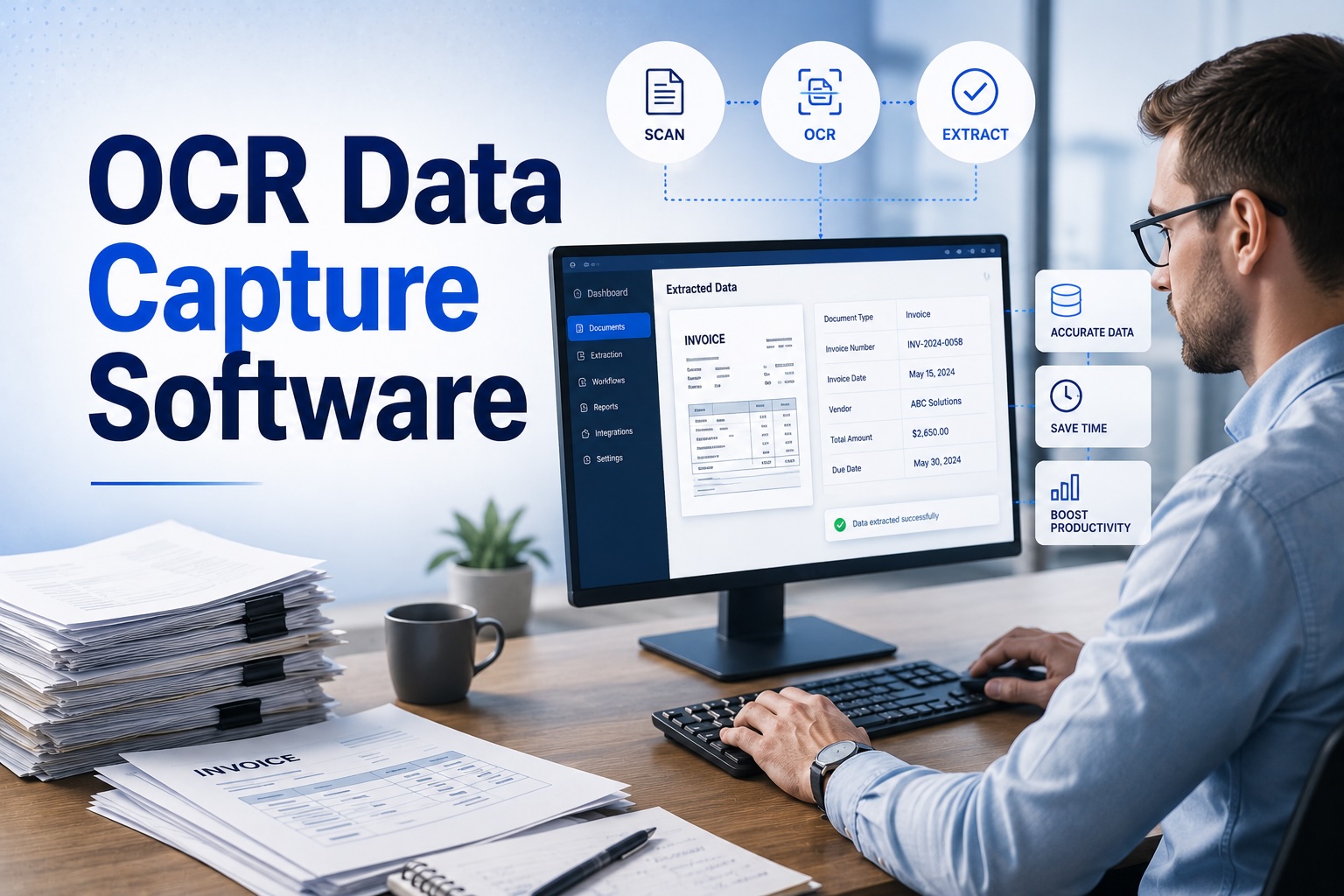
OCR (Optical Character Recognition) technology allows software to identify, read, and extract information from documents, images, PDFs, invoices, receipts, contracts, and other business records.
Modern OCR data capture software goes beyond simple text recognition. It combines OCR with Artificial Intelligence (AI) and machine learning to:
- Extract data automatically
- Identify document types
- Validate information
- Organize records
- Integrate data into accounting systems
Instead of manually entering information from invoices or receipts, accounting teams can automate the process and significantly improve efficiency.
1. OCR Data Capture Software Eliminates Manual Data Entry
Manual data entry is one of the most time-consuming tasks in accounting.
Employees often spend hours:
- Entering invoice details
- Recording receipts
- Updating customer information
- Processing supplier documents
These repetitive activities provide little strategic value.
By implementing OCR data capture software, accounting teams can automatically extract information from documents and transfer it directly into accounting systems.
The result is less manual work and more time for financial analysis and business planning.
2. Improved Accuracy Across Financial Records
Human errors are unavoidable when large amounts of information are entered manually.
Common mistakes include:
- Typing errors
- Duplicate entries
- Incorrect invoice numbers
- Missing payment details
- Wrong account coding
Even small mistakes can create significant accounting problems.
Modern automated data capture software uses intelligent validation processes to identify inconsistencies and improve data quality before information enters the accounting system.
This leads to cleaner records and fewer costly corrections.
3. Faster Accounts Payable Processing
Accounts Payable departments often manage hundreds or thousands of invoices every month.
Traditional invoice processing involves:
- Receiving invoices
- Reviewing information
- Entering data manually
- Routing approvals
- Scheduling payments
This workflow can become slow and inefficient.
OCR-powered automation dramatically accelerates invoice processing by:
- Capturing invoice information instantly
- Extracting key fields automatically
- Routing invoices for approval
- Reducing processing delays
This helps organizations maintain healthy supplier relationships and avoid late payment penalties.
4. Enhanced Accounts Receivable Efficiency
While AP often receives attention, Accounts Receivable teams also benefit significantly from automation.
AR departments process:
- Customer invoices
- Payment records
- Credit notes
- Financial documents
Using OCR data capture software, businesses can:
- Process customer documentation faster
- Improve billing accuracy
- Track payments more efficiently
- Reduce administrative workload
Faster document processing often translates into improved cash flow and quicker collections.
5. Automated Data Capture Software Reduces Operational Costs
Manual processing requires significant resources.
Businesses must invest in:
- Administrative staff
- Data entry personnel
- Document handling
- Error correction
- Paper storage
As transaction volumes increase, costs rise accordingly.
By adopting automated data capture software, organizations can significantly reduce operational expenses while handling larger document volumes without additional staff.
The long-term cost savings can be substantial.
6. Better Compliance and Audit Readiness
Compliance is a critical responsibility for every accounting department.
Auditors often require access to:
- Invoices
- Receipts
- Purchase orders
- Supporting documentation
- Historical transaction records
When records are stored manually, retrieving information can be difficult and time-consuming.
OCR-powered automation creates:
- Digital audit trails
- Searchable records
- Organized document storage
- Consistent documentation practices
This simplifies audits and strengthens compliance processes.
7. Increased Productivity for Accounting Teams
Accounting professionals are increasingly expected to contribute strategic insights to the business.
Unfortunately, repetitive administrative work often limits their ability to focus on higher-value activities.
By automating document processing, accounting teams can dedicate more time to:
- Financial forecasting
- Budget planning
- Business analysis
- Risk management
- Client advisory services
This shift allows finance departments to become strategic business partners rather than administrative processing centers.
8. Improved Scalability for Growing Businesses
Growth is exciting, but it often creates operational challenges.
As organizations expand, document volumes increase rapidly.
Businesses may need to process:
- More invoices
- More receipts
- More customer records
- More supplier documentation
Manual processes struggle to scale efficiently.
With OCR data capture software, companies can process thousands of documents without proportionally increasing staffing costs.
Automation allows businesses to grow without creating accounting bottlenecks.
9. Real-Time Visibility Into Financial Workflows
One of the biggest frustrations for finance teams is the lack of visibility into document status.
Questions such as:
- Which invoices are awaiting approval?
- What payments are due?
- Which documents are missing?
- Where are processing delays occurring?
can be difficult to answer when workflows are manual.
Automated systems provide real-time tracking and reporting, allowing managers to monitor financial processes with greater transparency and control.
This improves decision-making and operational efficiency.
10. OCR Data Capture Software Improves Business Decision-Making
Reliable business decisions require accurate data.
When accounting information is delayed or inaccurate, management teams may struggle to:
- Forecast cash flow
- Manage budgets
- Evaluate performance
- Identify risks
By automating data capture and document processing, businesses gain access to accurate financial information much faster.
This enables better decision-making across the organization.
For finance leaders, access to timely and trustworthy data is a major competitive advantage.
Why Accounting Teams Choose Zapier Desk
As accounting teams look for smarter ways to automate document processing, they need a solution that is accurate, scalable, and easy to integrate.
This is where Zapier Desk delivers exceptional value.
Zapier Desk is an AI-powered platform designed to automate data extraction from:
- Invoices
- Receipts
- Contracts
- Purchase Orders
- Financial Documents
- Business Forms
Unlike traditional OCR systems that require template setup, Zapier Desk uses advanced machine learning and intelligent document processing technologies to handle an unlimited variety of document layouts.
Key Benefits of Zapier Desk
- AI-powered OCR technology
- No manual template creation
- Automated document processing
- Seamless API integration
- High extraction accuracy
- Scalability for growing businesses
- Faster AP and AR workflows
By eliminating repetitive manual work, Zapier Desk helps accounting teams improve efficiency, accuracy, and productivity.
The Future of Accounting Is Automated
The accounting industry is rapidly evolving.
Organizations are moving away from manual processes and embracing automation technologies that improve speed, accuracy, and visibility.
In the coming years, AI-powered automation will play an even larger role in:
- Invoice processing
- Accounts Payable automation
- Accounts Receivable management
- Financial reporting
- Compliance monitoring
Businesses that invest in intelligent document processing today will be better positioned for future growth.
Conclusion
The benefits of implementing OCR data capture software extend far beyond simple document scanning.
From eliminating manual data entry and improving accuracy to accelerating AP and AR workflows, modern automated data capture software helps accounting teams operate more efficiently and strategically.
Organizations that continue relying on manual processes often face increasing costs, slower workflows, and higher error rates. In contrast, automation enables accounting professionals to focus on analysis, planning, and decision-making rather than repetitive administrative tasks.
With advanced AI-powered solutions like Zapier Desk, businesses can automate document processing, improve compliance, enhance productivity, and scale operations with confidence.
For accounting teams looking to work smarter rather than harder, OCR-powered automation is no longer a luxury—it's a necessity.
Frequently Asked Questions (FAQs)
What is OCR data capture software?
OCR data capture software uses Optical Character Recognition technology to extract information from documents such as invoices, receipts, contracts, and forms automatically.
How does automated data capture software help accounting teams?
It reduces manual data entry, improves accuracy, accelerates AP and AR workflows, and increases overall productivity.
Can OCR data capture software process invoices automatically?
Yes. Modern OCR systems can automatically extract invoice numbers, dates, supplier details, line items, tax amounts, and payment information.
Is OCR technology accurate for accounting purposes?
Advanced AI-powered OCR solutions provide high levels of accuracy through intelligent validation and machine learning capabilities.
What documents can be processed using OCR software?
Common document types include:
- Invoices
- Receipts
- Contracts
- Purchase Orders
- Financial Statements
- Customer Forms
- Supplier Documentation
Why is Zapier Desk suitable for accounting teams?
Zapier Desk combines AI, OCR, and machine learning to automate document processing, eliminate manual data entry, improve accuracy, and streamline accounting workflows without requiring template setup.
Start your free trial today!
Follow Us On: Facebook, X, Instagram and YouTube.